Add the chat to Drupal
Updated
The chat widget is one line of code. Here's where it goes on a Drupal site, so the chat button appears in the corner of every page.
For more detail, other options and cookie consent, see our guide How to add a custom AI chatbot to your Drupal website.
1. Copy the code
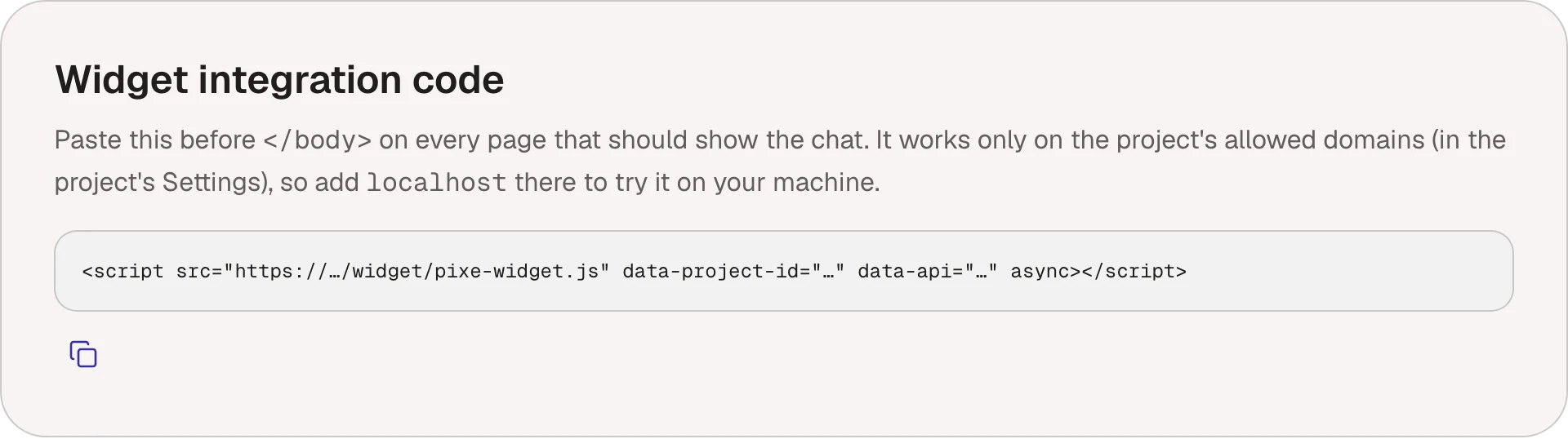
Open your project and go to Settings. Under Widget integration code, choose Copy snippet. Use the code from your own dashboard: it contains your project's ID.
<script src="https://…/pixe-widget.js" data-project-id="…" data-api="…" async></script>
2. Paste it into Drupal
Drupal's text formats remove <script> tags, so don't paste the code into a block.
With the Asset Injector module:
- Install Asset Injector and enable its JS Injector module.
- Go to Configuration → Development → Asset Injector → JS Injector → Add JS Injector.
- Paste this, with the script address, project ID and API address from your code:
(function () {
  var s = document.createElement('script');
  s.src = 'https://…/pixe-widget.js';
  s.async = true;
  s.dataset.projectId = 'your-project-id';
  s.dataset.api = 'https://…';
  (document.body || document.head).appendChild(s);
})();
- Save, and clear the cache (Configuration → Development → Performance → Clear all caches).
For developers: add the script to your theme's libraries.yml as an external library with its async, data-project-id and data-api attributes, and attach it in the theme's info.yml. The guide below shows both files.
3. Check your domains
The widget only runs on your project's allowed domains, in Settings. Add a staging or development address too if you want the chat there.
The chat button doesn't appear
- Clear Drupal's cache, and your CDN's or Varnish's if you have one.
- Check the injector has no page or role conditions that leave pages out.
- If the site sends a Content Security Policy, allow the chat's script and API addresses.
- Check the page's domain is one of the project's allowed domains in Settings.
- Check the widget isn't turned off in Chat → Widget.
- Open the browser's console (right-click, Inspect, Console): the chat leaves a short message there when it doesn't load.